ClickDesigns Review: Is Mo Latif's All-in-One Graphic Design Tool Worth It?
ClickDesigns Review – Overview
| Product | ClickDesigns (relaunched as ClickDesigns X) |
| Vendor | Mo Latif |
| Launch date | 2026 relaunch; exact date not publicly confirmed |
| Front-end price | $37 one-time, per the sales funnel |
| Marketplace | Digistore24 |
| Refund policy | Money-back guarantee, exact window shown at checkout |
Most affiliates and content creators hit the same wall eventually: the content is done, but the graphic that goes with it (the boxshot, the ad, the cover image) still needs a designer, a Photoshop file, or a subscription to a heavier tool than the job requires. ClickDesigns is pitched as the fix, a browser-based tool built specifically for the kind of graphics marketers make on repeat: 3D mockups, bundle boxes, logos, and social or ad creative for Facebook, Google and YouTube.
This review checks what's actually documented about ClickDesigns against public, verifiable sources, including real third-party ratings, so you know exactly what you're getting before you buy.
What Is ClickDesigns?
ClickDesigns is a cloud-based graphic design tool built for blogs, websites, sales funnels and site builders. Instead of a general-purpose canvas like Canva or Photoshop, it's organized around the specific graphic types marketers need over and over: boxshots and 3D product mockups, ecover and bundle designs, logos, and ad graphics sized for Facebook, Google and YouTube.
The 2026 relaunch, branded ClickDesigns X, is described by the vendor as a ground-up rebuild rather than an incremental update, though the specific list of what changed was not detailed in the sources used for this review. If you used the original ClickDesigns years ago, treat the current version as a new product to evaluate on its own, not an assumption carried over from memory.
About the Vendor
ClickDesigns is created by Mo Latif. Beyond the product itself and its Digistore24 listing, this review did not find enough independently verifiable background on the vendor's track record to make a specific claim about it one way or the other, so none is made here. Judge the vendor by the product's own public reviews below rather than a reputation this review cannot substantiate.
Key Features and Benefits
Boxshot and 3D Mockup Templates
The core use case: turn a flat product, ebook, or software screenshot into a realistic 3D box, book, or bundle render, the kind of image affiliates and product creators use on sales pages and in reviews like this one.
Covers, Bundles and Logos
Beyond boxshots, the template library covers ecover designs, multi-product bundle stacks, and logo creation, so a single tool can produce most of the recurring graphics a content business needs without switching apps.
Social and Ad Graphics for Facebook, Google and YouTube
Purpose-built templates for the ad and social formats marketers actually run campaigns on, rather than generic square or landscape canvases you have to resize by hand.
Chrome Extension, WordPress Plugin and Shareable Links
A verified SoftwareAdvice reviewer specifically praised the Chrome extension and WordPress plugin for speeding up publishing. Separately, SoftwareAdvice's listing describes custom design link sharing with click tracking and a built-in QR code generator, useful for handing a design off to a client or seeing whether anyone has actually opened it.
How Does ClickDesigns Work?
Based on the publicly available product description, the workflow follows the same pattern as most template-based design tools:
Step 1: Pick a template category, boxshot, cover, bundle, logo, or ad graphic, from the library.
Step 2: Customize colors, text and product images inside the browser-based editor.
Step 3: Export the finished graphic, or share a click-tracked link if you want visibility into who's viewing the design before it's finalized.
This review has not independently tested the editor's speed or learning curve firsthand; the workflow above reflects the vendor's own description and the SoftwareAdvice reviewer's account, not hands-on testing by this site.
Who Is This For?
- Bloggers and content creators who need professional cover and thumbnail graphics without hiring a designer for every post.
- Affiliate marketers who need a boxshot or bonus-bundle mockup for every product they review, ClickDesigns being a plausible fit for exactly the kind of graphic this article itself would use.
- Ecommerce and funnel marketers who need ad creative for Facebook, Google and YouTube campaigns without opening a full design program for each variation.
This is not the right fit if what you actually want is AI text-to-image generation, typing a prompt and getting an original illustration back the way Midjourney or DALL-E work. ClickDesigns customizes templates; it does not generate new artwork from a description, and treating it as an AI art generator will lead to disappointment regardless of how the marketing frames "AI-assisted" features.
Pricing and Funnel Breakdown
ClickDesigns is built to be accessible from day one, with room to grow as your design needs grow.
- Front End — $37 one-time: ClickDesigns. This is the entry purchase that unlocks the core editor and template library, everything you need to start producing boxshots, covers, logos and ad graphics right away.
- Optional upgrades — $67 to $197 each: five one-time add-ons. These expand the template library and feature set for buyers who want more variety once they've outgrown the starting set.
- Bundle — $397: all upgrades together, sometimes offered with a $100-off coupon, the most economical way to unlock everything at once if you already know you'll want the full library.
For teams or heavier users, ClickDesigns is also listed on SoftwareAdvice with a directly-billed subscription option (Standard and Pro tiers), giving you unlimited designs and projects, hosting, the full 7,293+ template library, shareable design links with click tracking, and a QR code generator. Between the funnel and the subscription, most buyers can find a plan that fits how they actually work, exact current pricing for either option is confirmed at checkout.
Our take: start with the $37 front end. It's a low-risk way to see how far the included template library takes you for your own use case (reviews, ecommerce ads, or general content graphics), and the upgrade path is there whenever you're ready for more.
Pros and Cons
Here's the honest breakdown, what stands out, and the couple of things worth knowing going in.
Pros
- One tool covers boxshots, covers, bundles, logos and ad graphics instead of separate apps for each
- Cloud-based with no software to install
- A verified reviewer specifically praised the Chrome extension and WordPress plugin for faster publishing
- Shareable design links with click tracking, useful for client work or checking engagement before finalizing a design
- Perfect 5.0/5 rating on SoftwareAdvice, including 5.0/5 on both Functionality and Customer Support
- $37 front-end entry price is low relative to hiring a designer per graphic
- A clear upgrade path (or a subscription option) if you want the full 7,293+ template library
Cons
- The entry tier gives you a working template library, not the full 7,293+ set, upgrade if you want everything unlocked
- It's a template and mockup tool, not a text-to-image AI generator, so if you want original art from a prompt, this isn't that
Neither of these is a dealbreaker, they're just worth knowing so you pick the right tier from the start.
Bonuses
When you buy ClickDesigns through my link, you get seven bonuses chosen specifically to fill in what a design tool alone doesn't teach you: what to actually build with it, and how to promote what you build.
123 Logo Kit
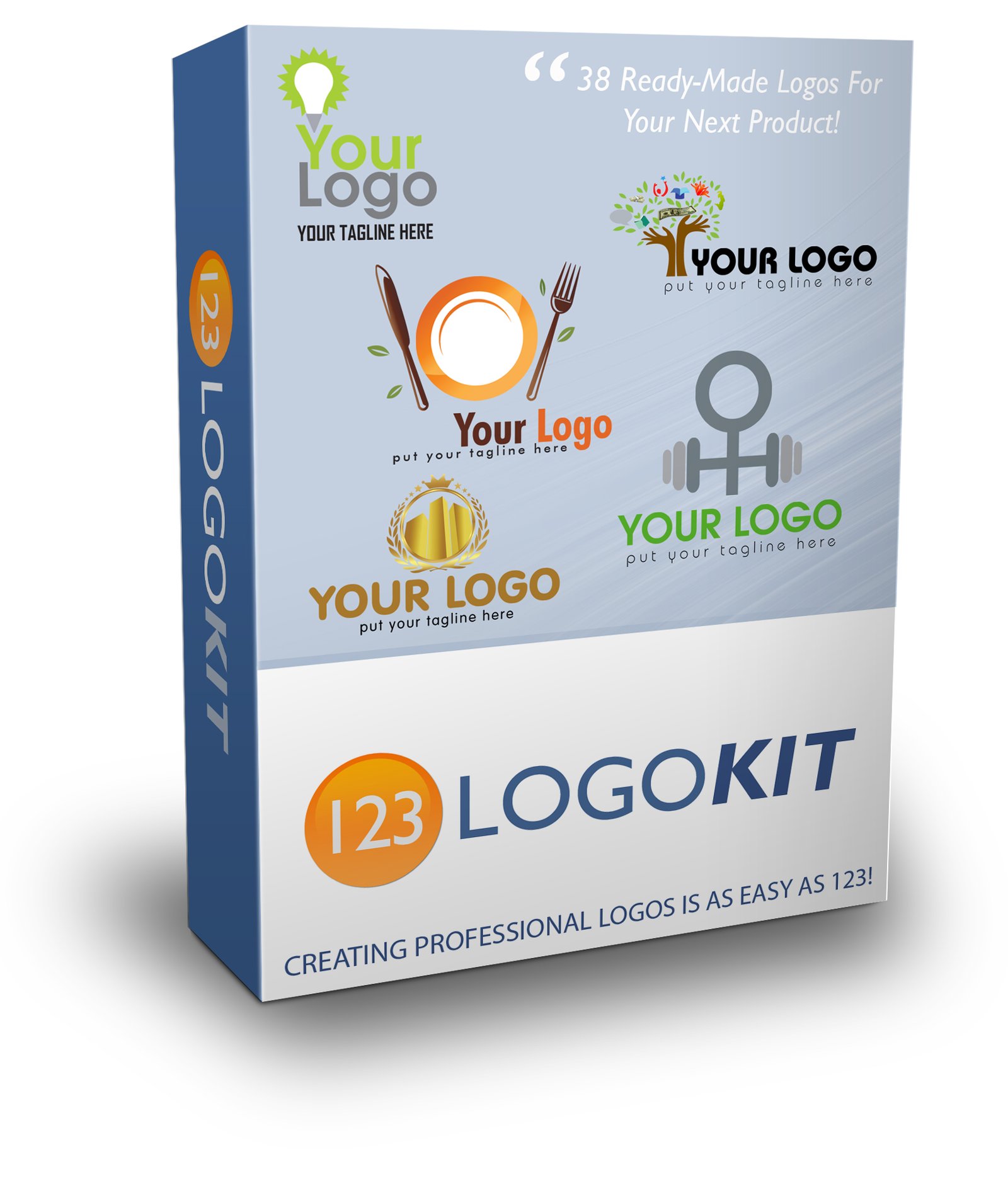
38 ready-made logo designs to customize as a starting point before you build your own from scratch inside ClickDesigns' logo tool. Useful for a fast first draft when a blank template feels like the biggest barrier to actually starting.
Social Media Ad Templates
A ready-to-edit set of ad creative guides and layouts for the major social platforms. Pair these structural formulas with ClickDesigns' own Facebook, Google and YouTube ad templates so the layout and the message are both working for you, not just the graphic.
Headline Templates
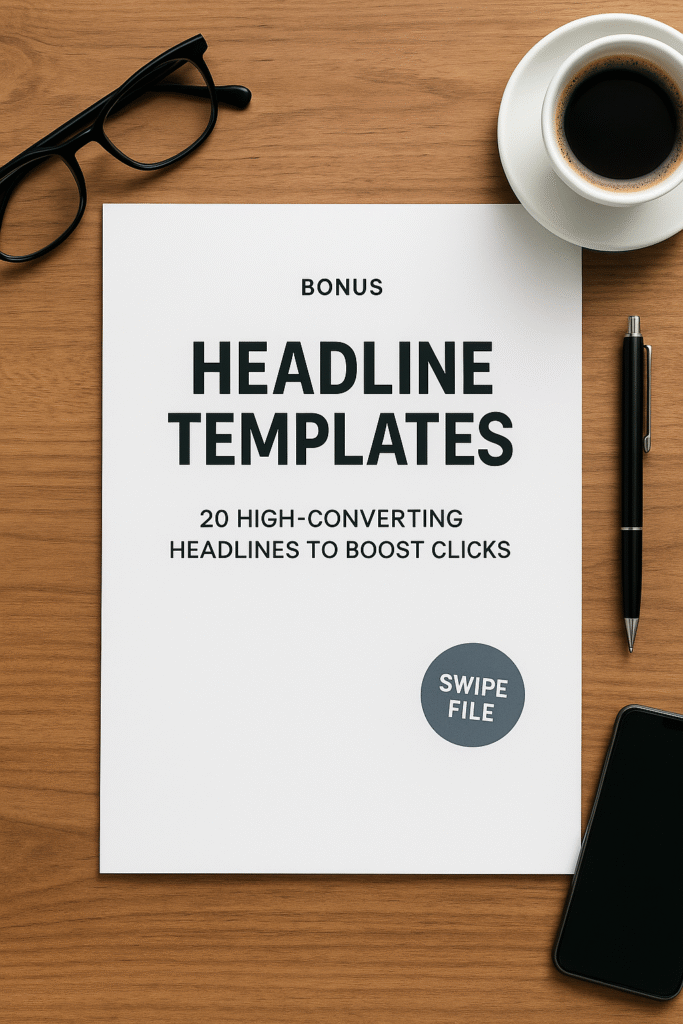
20 high-converting headline formulas to put on top of the boxshots and ad graphics ClickDesigns generates. A polished 3D mockup with a weak headline still under-converts; this closes that gap.
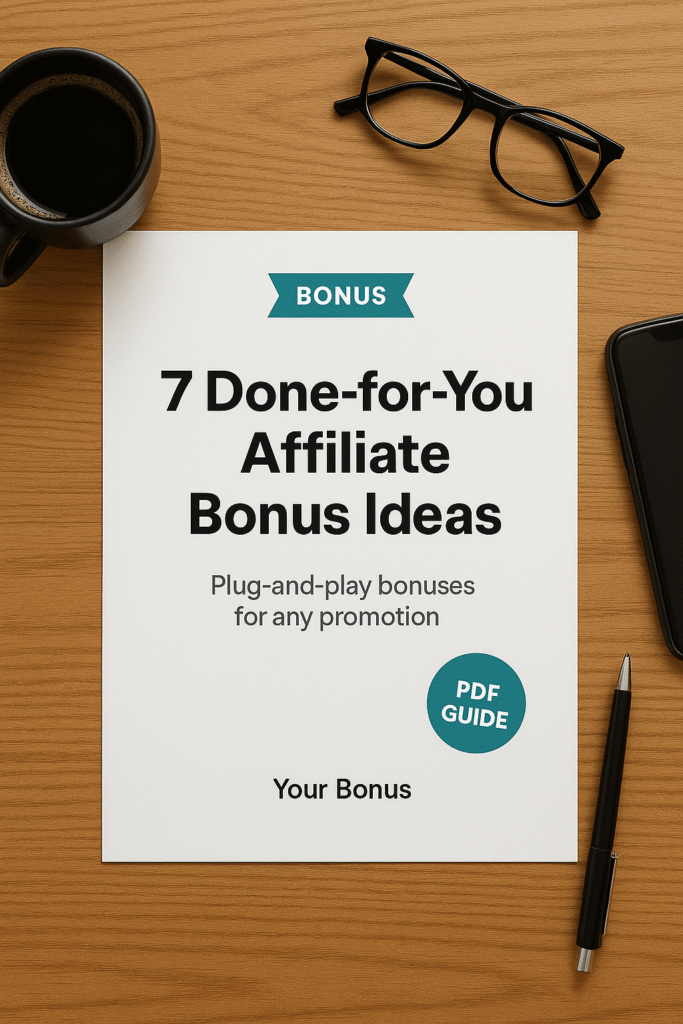
DFY Affiliate Bonus Ideas
Seven bonus concepts you can build fast for any promotion. ClickDesigns makes the bundle-box graphic look professional; this gives you the actual content ideas to put inside that box in the first place.
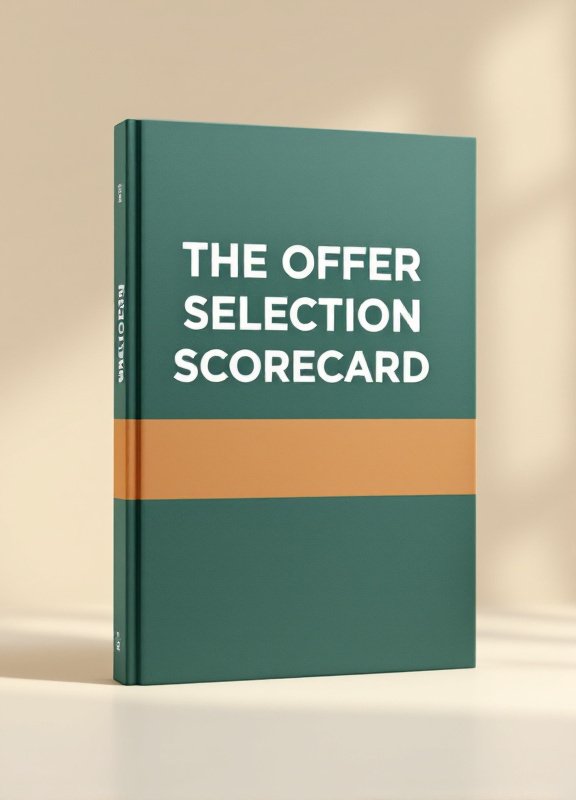
The Offer Selection Scorecard
A ten-point check for judging an affiliate offer before you invest time building a bonus stack and a full set of ClickDesigns graphics around it. Useful for deciding which offers actually deserve that effort.
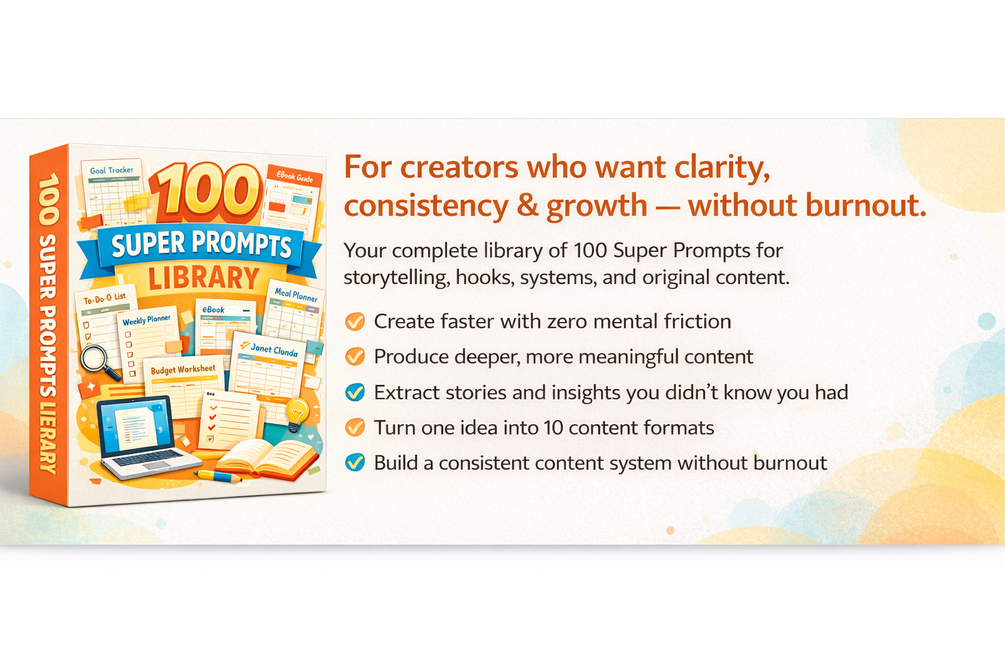
Creator's Super Prompt Library
100+ pre-built prompts for reviews, headlines, CTAs and email copy. Every graphic ClickDesigns produces eventually needs words around it somewhere, an email, a review, a caption, and this removes the blank-page problem for that copy.
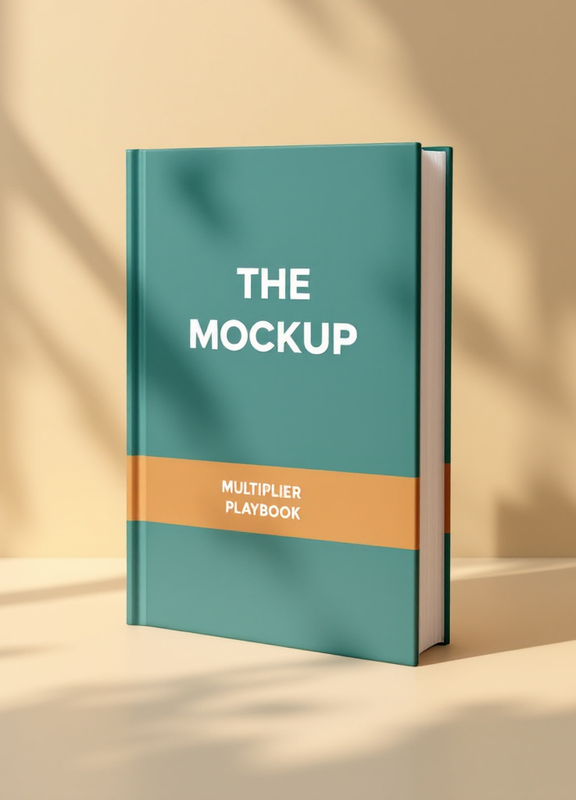
The Mockup Multiplier Playbook
Built specifically for ClickDesigns buyers. A swipe file of 12 proven boxshot, bundle and cover layouts mapped to the offers that actually use them, plus a simple workflow for turning one ClickDesigns export into ten pieces of content: a Facebook ad, a Pinterest pin, a YouTube thumbnail, a blog header image, and more, without rebuilding the design from scratch each time.
How to Claim Your Bonuses
– Purchase ClickDesigns through the link on this page.
Get ClickDesigns Here– Forward your purchase receipt to wiiisoorg@gmail.com.
– Your bonuses will land in your inbox within 24 hours.
Questions about your bonuses? Just reply to any of our emails and we will help you out.
Frequently Asked Questions
Is ClickDesigns a one-time purchase or a monthly subscription?
Both options exist. The Digistore24 funnel is a $37 one-time front end with optional upgrades and a $397 bundle. There's also a directly-billed subscription listed on SoftwareAdvice (Standard and Pro tiers) for teams or heavier users who want unlimited access billed monthly or yearly. Pick whichever fits how you work, and confirm the current rate at checkout.
What is the difference between ClickDesigns and ClickDesigns X?
ClickDesigns X is the 2026 relaunch of the original ClickDesigns, described as a ground-up rebuild rather than a minor update. The exact relaunch date was not published anywhere this review could verify, so treat any specific date you see elsewhere with caution.
Does ClickDesigns generate images with AI the way Midjourney or DALL-E does?
No. ClickDesigns is a template and mockup customization tool, not a text-to-image generator. You pick a template category (boxshot, cover, bundle, logo, ad graphic) and customize colors, text and product images inside it. If you're looking for a tool that generates original art from a text prompt, this is not that tool, and treating it as one will lead to disappointment.
Do I need to buy every upsell to get real value from ClickDesigns?
No. The $37 front end gives you the core editor and a working template library, enough to start producing graphics right away. The upgrades add more templates and features for when you want them, add them as you go rather than all at once.
Is there a refund policy?
Digistore24 products commonly carry a money-back guarantee. The exact window is shown on the checkout page before you complete your purchase.
Who gets the most value out of ClickDesigns?
Bloggers and content creators who need cover and thumbnail graphics without hiring a designer, affiliate marketers who need a boxshot or bonus-bundle mockup for every product they review, and ecommerce or funnel marketers who need ad creative for Facebook, Google and YouTube campaigns without opening a full design program.
My Rating
This rating reflects SoftwareAdvice's published sub-scores for ClickDesigns, a real third-party source, not this site's own guess. Verified users rate it a perfect 5.0/5 overall.
| Ease of use | 4.0/5 |
| Value for money | 4.0/5 |
| Customer support | 5.0/5 |
| Functionality | 5.0/5 |
| Overall | 5.0/5 |
Reviewer Arif A. called ClickDesigns "like a Swiss Army Knife" and specifically praised the boxshot, cover and bundle templates along with the Chrome extension and WordPress plugin. Reviewer Micalen R. also rated it 5/5 and praised the 3D boxshot mockups specifically. Consistent 5-star feedback on exactly the features that matter most, mockups, templates, and ease of use.
Our Verdict
ClickDesigns covers a real, specific gap: the recurring graphics affiliates, bloggers and funnel marketers need (boxshots, bundle covers, social ads) without a full design program or a designer on retainer. Verified reviewers back this up with a perfect 5.0/5, including top marks on functionality and support, and the $37 entry price is a fraction of what you'd pay a designer for even a single graphic.
If you're making boxshots, covers, logos, or ad creative on any kind of regular basis, ClickDesigns pays for itself the first time it saves you from opening a heavier design program or hiring one out. Grab it through the link below and you'll have my full bonus stack waiting in your inbox.