AI Execution Engine Review: Build Guided AI Tools From Your Own Content, With Pricing, Upgrades and Bonuses

This AI Execution Engine review looks at a no-code builder from the team behind ProductDyno that turns your PDFs, courses and checklists into guided AI tools. You decide what each tool does, what it asks the user and what it hands back. The AI works inside those lines.
Most people who sell knowledge share one problem. They have a PDF, a course or a checklist full of useful material, and customers skim it, skip it or never open it. AI Execution Engine, also called AIEE, is built to turn that material into something people actually use, without hiring a developer.
This review is research and analysis built from the vendor's launch materials. It covers what you get, what each upgrade unlocks, who it suits and which bonuses come with my link.
AI Execution Engine Review: Overview
Here are the key facts at a glance.
| Product | AI Execution Engine (AIEE) |
| Vendor | Promote Labs Inc (the company behind ProductDyno) |
| Launch window | Opens 9 October 2026, 11:00 AM EDT. Closes 16 October 2026, 11:59 PM ET |
| Front-end price | $47 one-time |
| Marketplace | JVZoo |
| Refund policy | See the checkout page for current terms |
What Is AI Execution Engine?
AI Execution Engine is a no-code tool for building customer-facing AI tools, which the vendor calls Engines. Each Engine has a defined job, a set of questions it asks the user, your own knowledge as its source, and a result it delivers.
The difference from a blank AI chat is structure. In a chat box the user has to know what to ask. In an Engine, you set the guided inputs, so a customer answers a few questions and gets a focused result built on your material. There are three Engine types: Chat, Form, and Form + Chat. Results can come back as text, an image, a PDF or a research report.
The vendor lists eight starting patterns. A PDF becomes an AI lead magnet, a course becomes an implementation advisor, a checklist becomes an audit, FAQs become a support tool, a catalog becomes a recommendation tool, an SOP becomes a step-by-step assistant, a framework becomes a guided advisor, and a bonus becomes an interactive bonus.
It is built for people who already sell something: course creators, coaches, membership owners, store owners and support teams. The vendor states plainly that no income, customer engagement or specific outcome is guaranteed. I agree with that framing. The tool gives you structure, and the results depend on the knowledge you load into it.
About the Vendor
AI Execution Engine comes from Promote Labs Inc, the company behind ProductDyno. The launch team named in the materials is Jeremy Gislason, Simon Warner and Fraz Ahmed.
ProductDyno is an established platform for membership sites, course delivery and digital product sales, so this is not an anonymous first-time launcher. AIEE plugs into a platform that already exists, and the front-end price includes a ProductDyno Starter Lifetime plan. If you already sell through ProductDyno, the fit is natural. If you do not, Engines can still be embedded on outside sites, so nothing forces you to move.
Key Features and Benefits
These are the features that matter most at the front-end tier.
Guided Engines, Not a Blank Chat Box
Choose Chat, Form or Form + Chat. A Form asks the user specific questions before the AI answers, which keeps results on topic and tied to your material. That control is the main reason to use this instead of pointing customers at a general chatbot.
Your Own Knowledge as the Source
Each Engine draws on your PDF, course, checklist, FAQ, catalog, SOP or framework. The front end gives you one knowledge source per Engine and one file per form. Higher tiers raise those limits.
Your Choice of AI Model, With Your Own Keys
Pick from OpenAI, Claude, Gemini, Grok or OpenRouter. AIEE uses bring-your-own-key for both the owner and the end customer, so AI usage is billed by the AI provider, not by the vendor. Daily usage caps and a cost dashboard help you watch spend.
Actions That Do More Than Chat
Engines can create images, search the web, fetch web pages, take screenshots and produce PDFs. That is what lets an audit tool hand back a finished PDF report instead of a block of text.
Publish Anywhere
Embed an Engine on your own site or sell access through ProductDyno. Hosting there is optional, so there is no lock-in. Eight tool categories and 27 ready-to-copy ideas are included to get you moving.
How Does AI Execution Engine Work?
The build process has three steps, and none of them involve code.
Step 1: Pick the job and load your knowledge. Start from one of the 27 ideas or describe your own, then add the PDF, course, checklist or FAQ the tool should draw from.
Step 2: Set the questions and choose the model. Decide what the Engine asks, pick Chat, Form or Form + Chat, and select your AI model. Clear instructions make a visible difference here, and the Claude prompt engineering guide is a good free reference for writing them.
Step 3: Publish. Use the Engine in your own business, embed it on your site, or sell access through ProductDyno.
Who Is This For?
AIEE fits people who already have knowledge worth packaging.
- Course creators and coaches who want an AI implementation advisor that helps students apply what they bought.
- Membership owners who want a support tool trained on their own FAQs.
- Store owners with a catalog who want a product recommendation tool.
- Freelancers and agencies who want to build AI tools for clients and charge setup fees.
It is not for people with no content, audience or business to build around. It is a builder, so the quality of each tool depends on the knowledge you load into it. It is also not a finished income stream out of the box. If you expect to press a button and have money arrive, this is the wrong purchase.
Pricing and Upgrades
The front end is a one-time $47, and every upgrade after it is optional. Here is what each one unlocks and roughly what it costs.
- Front end, $47: AI Execution Engine. Five Engines, one knowledge source per Engine, model choice, daily usage caps, a cost dashboard and a ProductDyno Starter Lifetime plan, with a Powered By badge on your tools. An early-bird $37 offer was listed and may have ended.
- $67: AIEE Pro. Ten knowledge sources per Engine, five custom domains, no Powered By badge, multiple file inputs and user-session viewing. Useful for client or branded use.
- $97: AIEE Powerhouse. Up to 250 Engines, 25 sources per Engine, 50 custom domains and Pro features across every Engine. Built for heavy builders and agencies.
- $147: AIEE DFY Vault. More than 75 done-for-you Engines you can copy and adapt. A smaller PowerPack with more than 25 sells for $47.
- AIEE Memory Intelligence: free trial, then $199 a year. A memory add-on for your Engines. A lighter version is a free trial, then $29 a year.
- $317: Complete Bundle. The front end, Pro, Powerhouse, DFY Vault and a ProductDyno Pro Plus+ Lifetime plan, with full commercial rights. A bundle add-on for $230 more brings unlimited Engines, sources and custom domains (fair use) and takes your done-for-you library past 100 Engines.
- $1,497, or three payments of $500: Agency Unlimited. Everything in the bundle and add-on, plus agency and client-use rights and a ProductDyno VIP Platinum Lifetime plan.
Start with the front end. Five Engines is enough to learn the system and build your first real tool. Add Pro when you want your own branding or custom domains. Bought separately, the four AIEE parts in the bundle total $358, so the $317 bundle is the better deal if you already know you will want most tiers, and it adds the ProductDyno plan on top. Agency Unlimited only makes sense for agency owners.
Pros and Cons
Here is how AI Execution Engine weighs up against the vendor's launch materials.
Pros
- Guided inputs give you control over the experience that a blank chat box cannot.
- Every tool is built on your own material, so it reflects your expertise.
- No lock-in: embed Engines anywhere, with ProductDyno hosting optional.
- A one-time front-end price that includes a ProductDyno Starter Lifetime plan.
Cons
- The front end is capped at five Engines, one knowledge source each and daily usage limits, and your tools carry a Powered By badge until you add Pro.
- AI video tools such as Veo 3, Kling and Seedance are listed as coming, not live today.
AI Execution Engine Bonuses
Buy AI Execution Engine through my link and you get the six bonuses below. They cover the parts the software does not: writing strong instructions, keeping your output on brand, and, if you build for others, finding and pitching clients. The last one was written for this review.
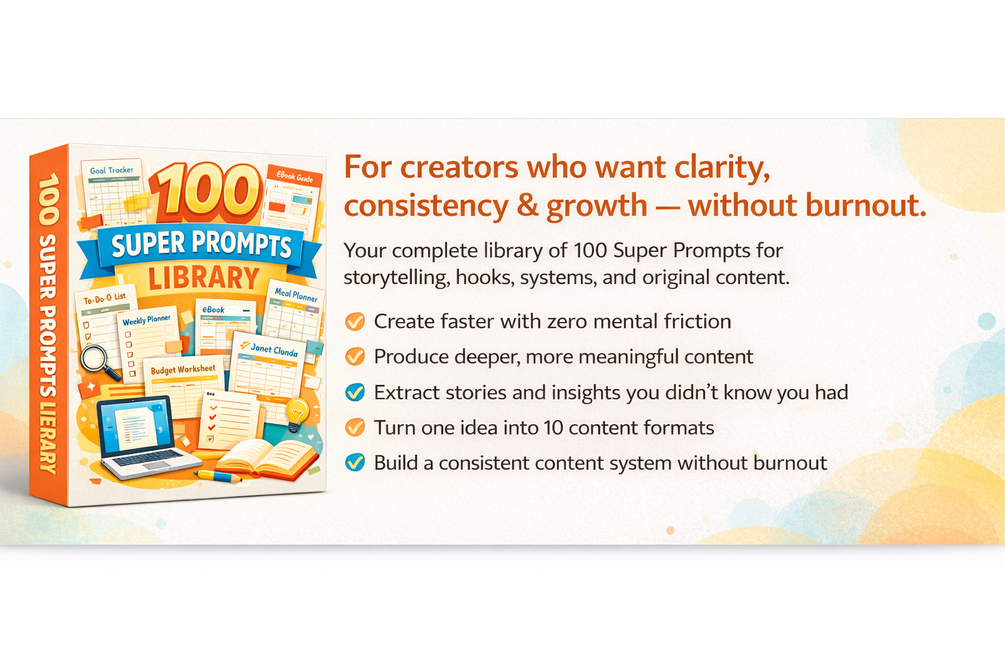
The Creator's Super Prompt Library
100+ ready-made AI prompts, normally $7.99. Use them as the instruction layer when you write each Engine's job and questions.

The Agent Brief Playbook
A brand voice profile plus 12 brief templates, so what your AI tools produce sounds like you and not like a generic assistant.

The AI Employee Task Brief Playbook
Five ready-to-paste briefs and a review checklist for cleaner AI output. Handy when you test an Engine before customers see it.
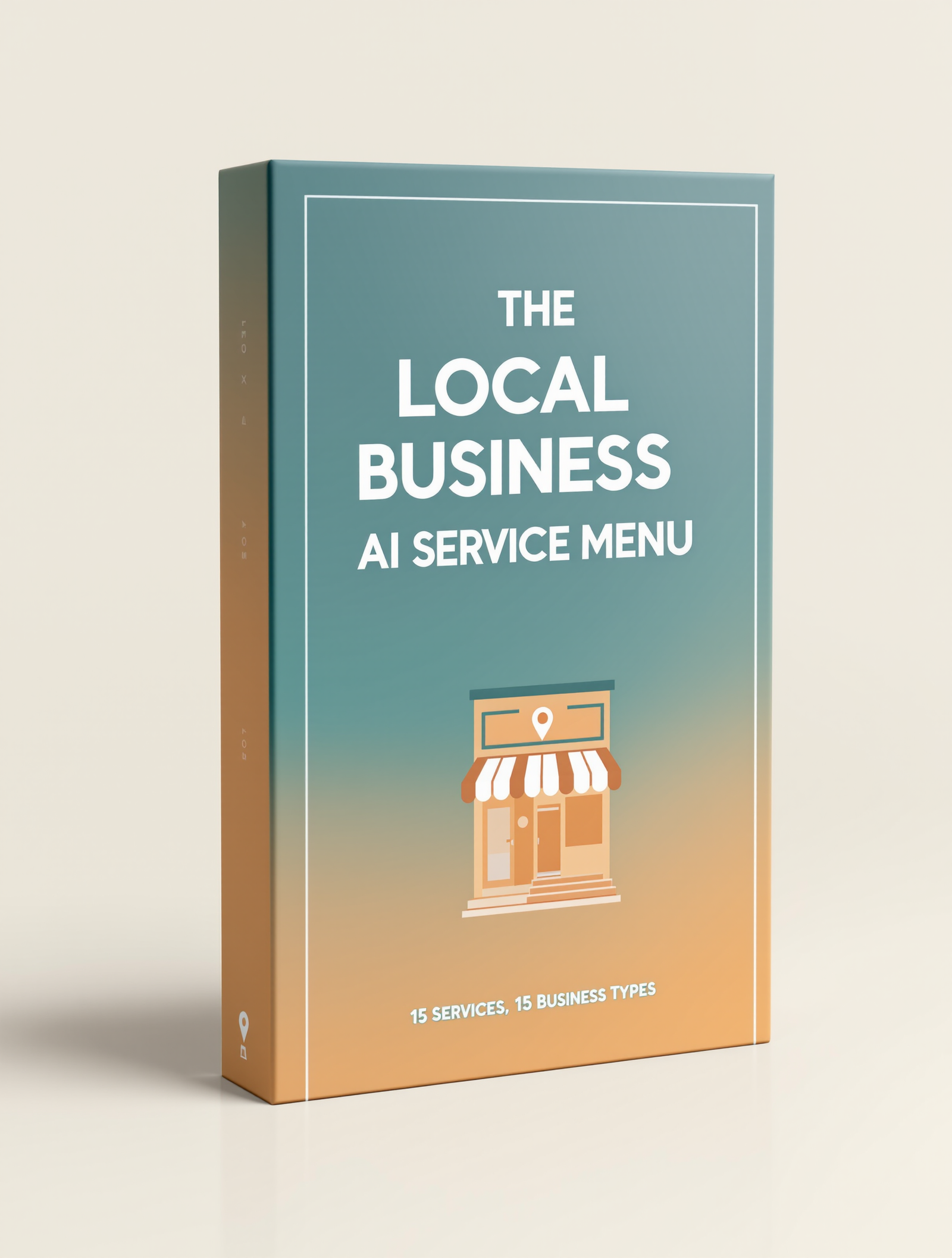
The Local Business AI Service Menu
15 sellable AI services across 15 local business types, with price ranges. It pairs directly with building Engines for clients.
The Local Client Pitch Kit
Outreach templates, a three-tier retainer structure and a one-page proposal for turning a demo into a paying client.
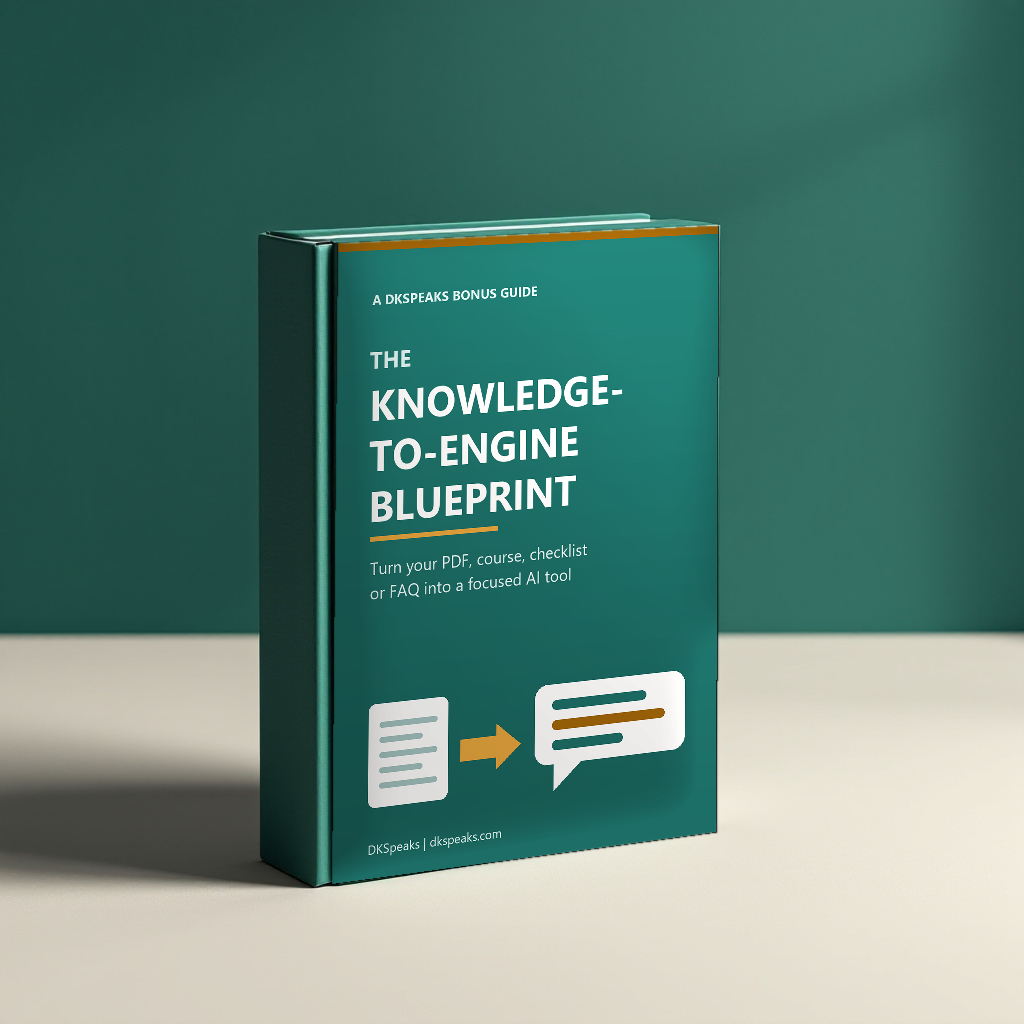
The Knowledge-to-Engine Blueprint
Written for this review. It gives you a fill-in spec sheet covering the job, the questions, the knowledge source and the result, plus 12 worked Engine designs, a source-prep checklist and a pricing and testing guide. Your first five Engines are planned before you build them, which is exactly how many the front end includes.
How to Claim Your Bonuses
Purchase AI Execution Engine through the link on this page.
Get AI Execution Engine HereYour bonuses unlock automatically and instantly, right on the order confirmation page. No receipt to send, no waiting.
Questions about your bonuses? Reply to any email from the checkout and we will help you out.
Frequently Asked Questions
Quick answers to the questions buyers ask most.
Is AI Execution Engine worth it?
For anyone who already sells or shares knowledge, yes. The $47 front end gives you five Engines and a ProductDyno Starter Lifetime plan, which is enough to turn one real asset, such as a course or checklist, into a working AI tool and see how your audience responds.
Do I need coding skills to use AI Execution Engine?
No. It is a no-code builder. You describe the job, add your knowledge source, set the questions and choose the Engine type. The skill that matters is knowing your own material well enough to decide what the tool should ask and return.
Do I pay for AI usage separately?
Yes. AI Execution Engine uses a bring-your-own-key setup for both the owner and the end customer, so AI usage is billed by the AI provider you connect. Daily usage caps and a cost dashboard inside the tool help you keep track of it.
Which AI models can I use?
You can choose from OpenAI, Claude, Gemini, Grok and OpenRouter. That lets you match the model to the job instead of being tied to one provider.
Can I sell or embed the tools I build?
Yes. You can embed an Engine on your own site or sell access through ProductDyno, and hosting there is optional. For client work, the Complete Bundle lists commercial rights and Agency Unlimited lists agency and client-use rights, so match the tier to how you plan to use it.
Do I need any of the upgrades?
Not to get started. The front end covers your first five Engines. Add AIEE Pro when you want your own branding and custom domains, and consider the Complete Bundle if you already know you will want most of the tiers.
My Rating
I scored AI Execution Engine on four categories, based on the vendor's launch materials.
| Vendor reputation | 4/5 |
| Features and functionality | 4/5 |
| Ease of use | 4/5 |
| Value for money | 4.2/5 |
| Overall | 4.1/5 |
I rate AI Execution Engine 4.1 out of 5. Vendor reputation scores well because ProductDyno is an existing platform with a team behind it. Features score for the guided Engine design and the choice of five AI model providers. Ease of use reflects a no-code builder. Value is the highest mark, because $47 includes a lifetime ProductDyno plan and every upgrade is optional.
Our Verdict
Plenty of people have good knowledge locked inside a PDF or a course that customers never fully use. AI Execution Engine gives that knowledge a job to do. A customer answers a few questions, the Engine applies your material, and they get something specific back. That is a better experience than a download link, and a better one than a blank chat window.
The structure is what I like most. You set the job, the questions and the result, so the tool stays on your terms. The no-lock-in publishing and the included ProductDyno plan mean the $47 front end is a low-risk way to test the idea with one real asset.
I recommend AI Execution Engine for course creators, coaches, membership owners and store owners who want their expertise to work harder. Start with the front end, build one Engine from your best material, and add Pro or the Complete Bundle once you see people using it. Pick it up through the link below to get all six bonuses with it.